
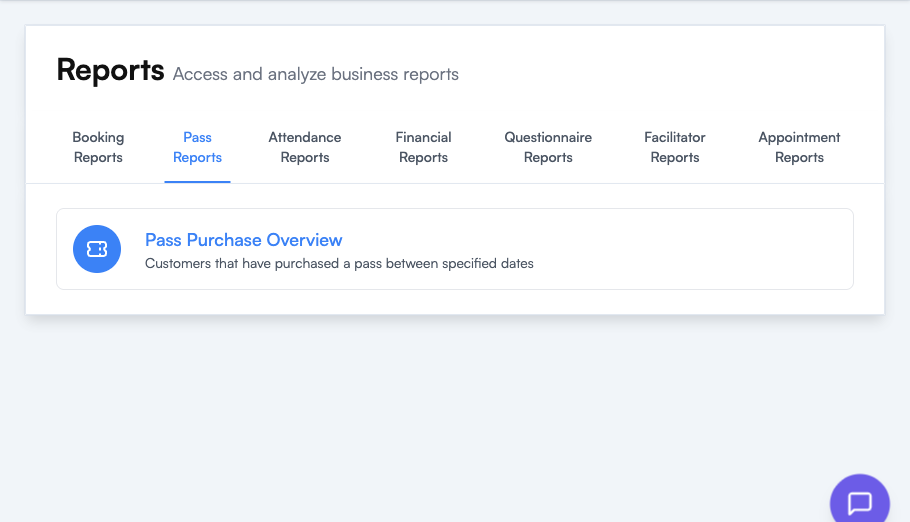
Pass Reports show how your passes are selling — useful for understanding which bundles are pulling their weight commercially.
| Report | Use it to answer |
|---|---|
| Pass Purchase Overview | ”Which passes are people buying, and when?” — Lists the customers who purchased a pass between specified dates, giving you an aggregate view of pass sales over time. |
Tips
- Look at the trend across months. If a pass has tanked, consider whether its price has drifted out of line with the cost-per-class equivalent, or whether the schedule it unlocks has changed.
- Cross-reference with Attendance Reports to see whether purchased passes are actually being redeemed — unredeemed passes are a retention risk as well as deferred revenue.
Where to go next
- Getting Started with Passes — set up and price your passes
- Reports Overview — how to run and export any report