
Attendance Reports tell you what actually happened at your sessions — who attended, who booked but didn’t show, and who’s waiting for a place.
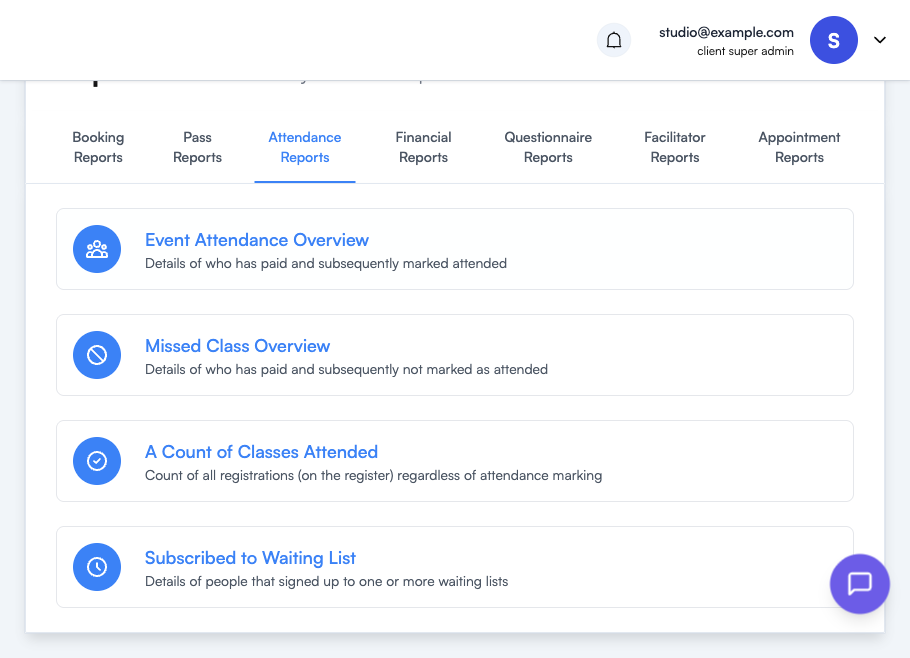
| Report | Use it to answer |
|---|---|
| Event Attendance Overview | ”Who paid and turned up?” — Details customers who have paid and been marked as attended, across events. |
| Missed Class Overview | ”Who paid but didn’t show?” — The flip side: customers who paid but were not marked as attended. Useful for spotting no-show patterns and following up. |
| A Count of Classes Attended | ”How many sessions has each customer been to?” — A count of all registrations on the register, regardless of attendance marking. |
| Subscribed to Waiting List | ”Who’s waiting for a place?” — Lists people who signed up to one or more waiting lists, which can highlight under-capacity sessions worth adding. |
Tips
- Attendance figures depend on the Attended toggle being flipped on each booking — see Managing Event Registrations. If you don’t routinely mark attendance, Event Attendance Overview and Missed Class Overview will under-count.
- Pair A Count of Classes Attended with Customer Booking Count from Booking Reports to get a booked-vs-attended (no-show) ratio per customer.
- Persistent waiting lists on Subscribed to Waiting List are a demand signal — they often justify opening an extra session or raising capacity.
Where to go next
- Managing Event Registrations — how to mark customers as attended
- Booking Reports — booking counts to compare against attendance
- Reports Overview — how to run and export any report