
Booking Reports answer questions about who is booking with you and how often. They’re the place to look when you want to understand customer activity, spot people slipping away, or pull a per-customer history.
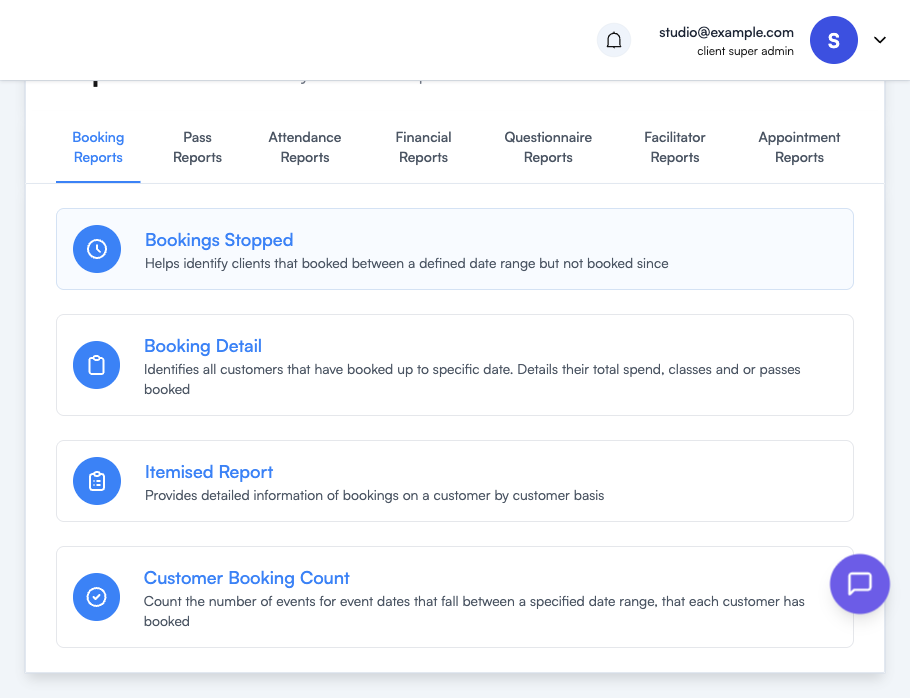
| Report | Use it to answer |
|---|---|
| Bookings Stopped | ”Who used to book and has gone quiet?” — Identifies clients who booked within a defined date range but haven’t booked since. Ideal for re-engagement campaigns. |
| Booking Detail | ”What’s our customer health snapshot?” — All customers who’ve booked up to a specific date, with their total spend, classes attended and passes held. |
| Itemised Report | ”Show me everything for this customer.” — Detailed booking history on a customer-by-customer basis. |
| Customer Booking Count | ”How many sessions did each customer book in this window?” — Counts the events each customer booked across a date range. |
Tips
- Bookings Stopped is most useful with a clear “engaged” window — e.g. booked in the last 90 days but not the last 30 — to surface customers slipping away early, before they’ve fully lapsed.
- Customer Booking Count plus a price assumption is a fast way to answer “who are my top 10 customers by activity?” without exporting payment data.
- Use the search box on any report to jump straight to a single customer.
Where to go next
- Reports Overview — how to run and export any report
- Attendance Reports — pair booking counts with attendance for a no-show ratio
- Financial Reports — turn booking activity into income figures