Overview
If your classes are already on YouTube or Vimeo, you can add them to reservie as links instead of uploading them again. A linked video is sold just like an uploaded one: the same price, passes, expiry, libraries, collections, buy-now page and booking page.
Linked videos don’t use your hours or your viewing allowance. On VOD Starter and VOD Growth, each one counts as one of your plan’s videos. On VOD Studio, you can add as many as you like.
Before you start: linked videos are not private
An unlisted video on YouTube or Vimeo is hidden, not private. Anyone who has its link can watch it there without paying, and a customer who buys it can find its link and share it. If a video must stay private, upload it instead.
You must also own the video, or have the right to sell access to it.
The video must be Unlisted or Public on YouTube or Vimeo, with embedding allowed. If it is Private, or embedding is turned off, reservie tells you what to change.
Add a linked video
- Open a library or collection and click Add video, then choose YouTube or Vimeo link.
- Paste the video’s link and click Check link. The video appears in the form, with the channel or account it belongs to, and the name is filled in from its title.
- YouTube: use Share → Copy on the video, or copy the address bar.
- Vimeo: copy the video’s address. For an unlisted Vimeo video, use the full link, including the code after the number.
- Tick both boxes to confirm the video isn’t private and that you own it or have the right to sell it.
- Picture. The video’s own picture from YouTube or Vimeo is used and copied into reservie. You can upload your own instead.
- Selling (not needed in a collection) and Review, then Add video.
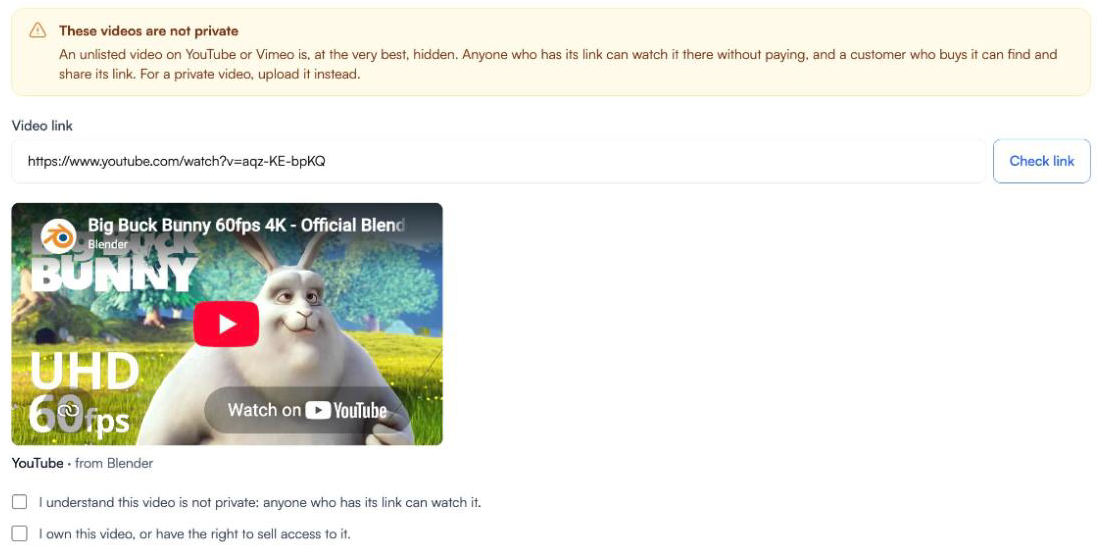
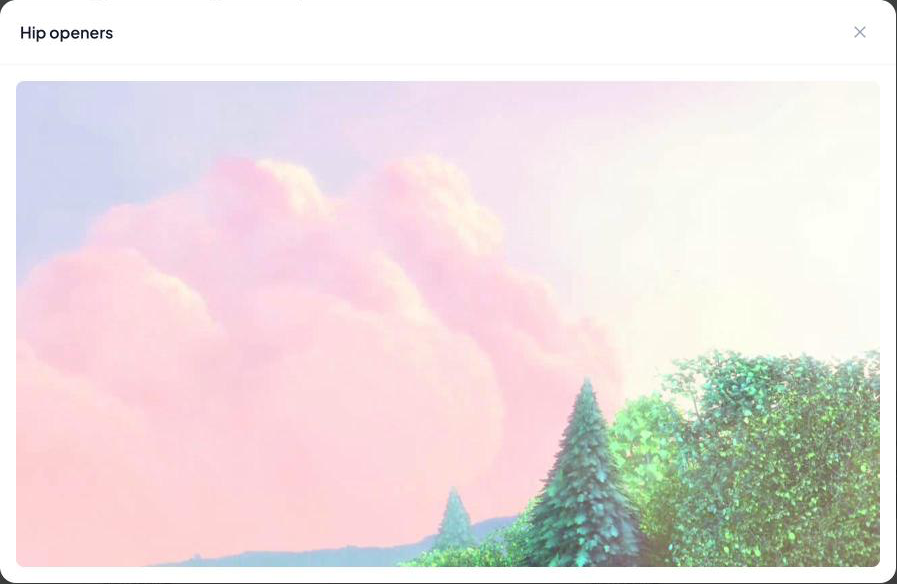
Example video: Big Buck Bunny, © Blender Foundation, CC BY 3.0.
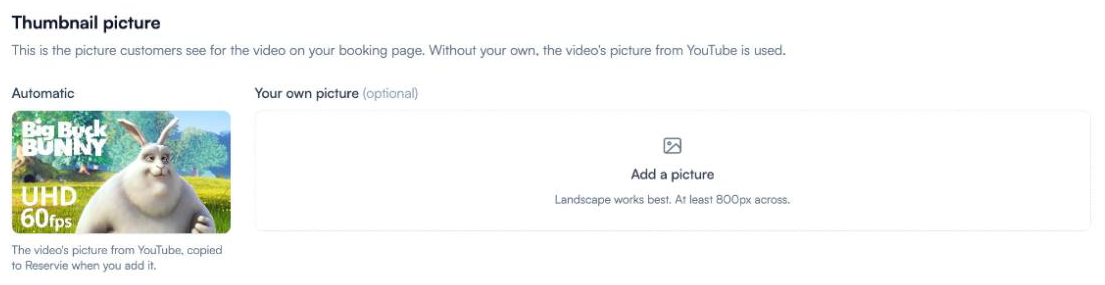
There’s no Processing step. The video is ready as soon as you add it.
After you add it
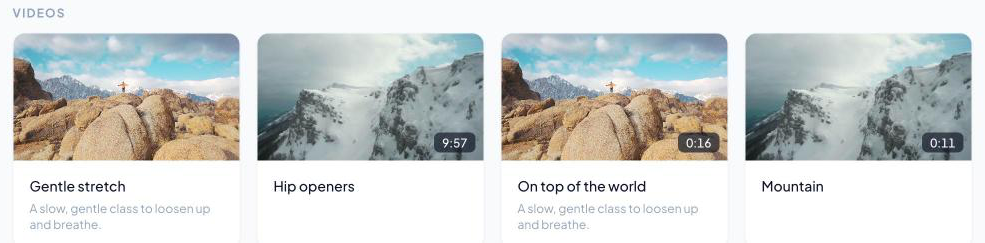
In the library, a linked video shows a YouTube or Vimeo label where uploaded videos show Ready. Everything else works the same: Play Video, Edit Details, Purchase Page and Move to…. You can replace its picture, but not remove it.
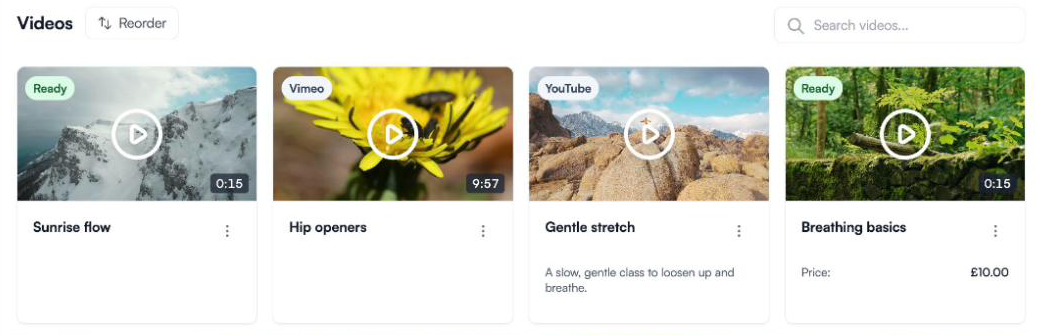
YouTube doesn’t give a running time, so none is shown for YouTube videos.
What your customers see
Your customers can’t tell a linked video from an uploaded one. Your booking page and buy-now pages show only its name, description, picture and price, and never link to YouTube or Vimeo.
Once bought, it sits in their account under Classes on demand with everything else, and plays in the same way.
Linked videos keep playing if your viewing allowance runs out (see Video plans and your viewing allowance).