Classes on demand
Everything a customer has bought, or been given, is in their account under Classes on demand. Collections and single videos are listed separately.
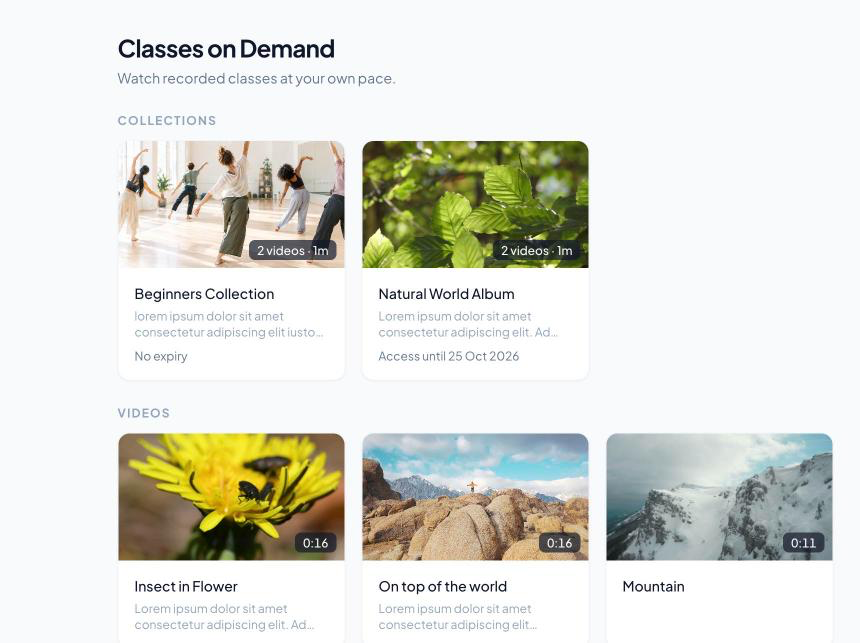
Each collection shows how many videos it has and when access ends, for example No expiry or Access until 25 Oct 2026.
Opening a collection
Clicking a collection opens its page, with the cover, description and every video inside it. All classes on demand goes back.

Watching
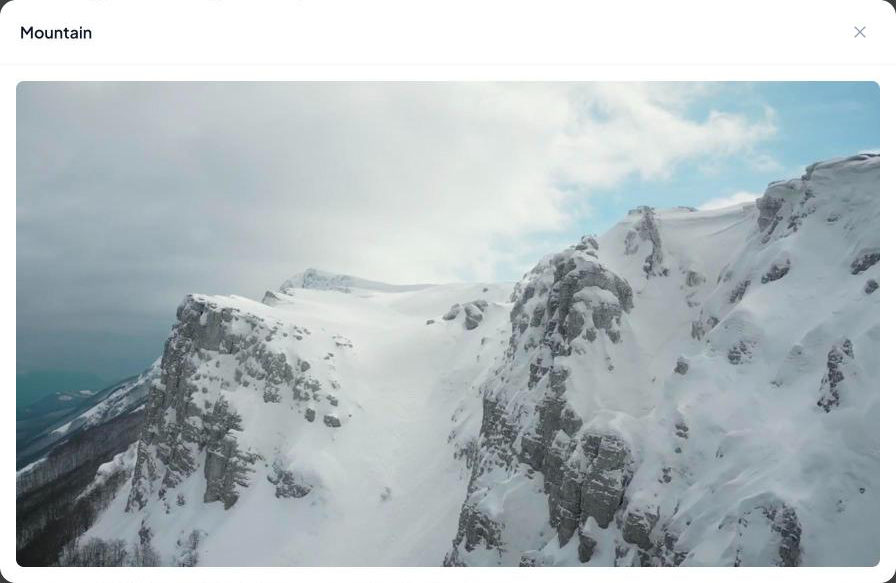
Clicking a video plays it in a player on the same page, on a phone, tablet or computer. Videos stream, so they can’t be downloaded.
When something leaves their account
A video or collection is simply removed from their account, with no message, when:
- their access ends
- you delete it
- you move a video out of a collection they bought
To give it back, see Giving a customer access.
If something is missing
If your customers see “Videos are temporarily unavailable” in place of the player, your viewing allowance is used up (see Video plans and your viewing allowance).
Otherwise, check the customer’s Videos tab in Customer Manager to see what they have and its state. If it is there and active, ask them to refresh the page or sign out and back in.